
SIM Swap Fraud in Pakistan – How to Stay Safe
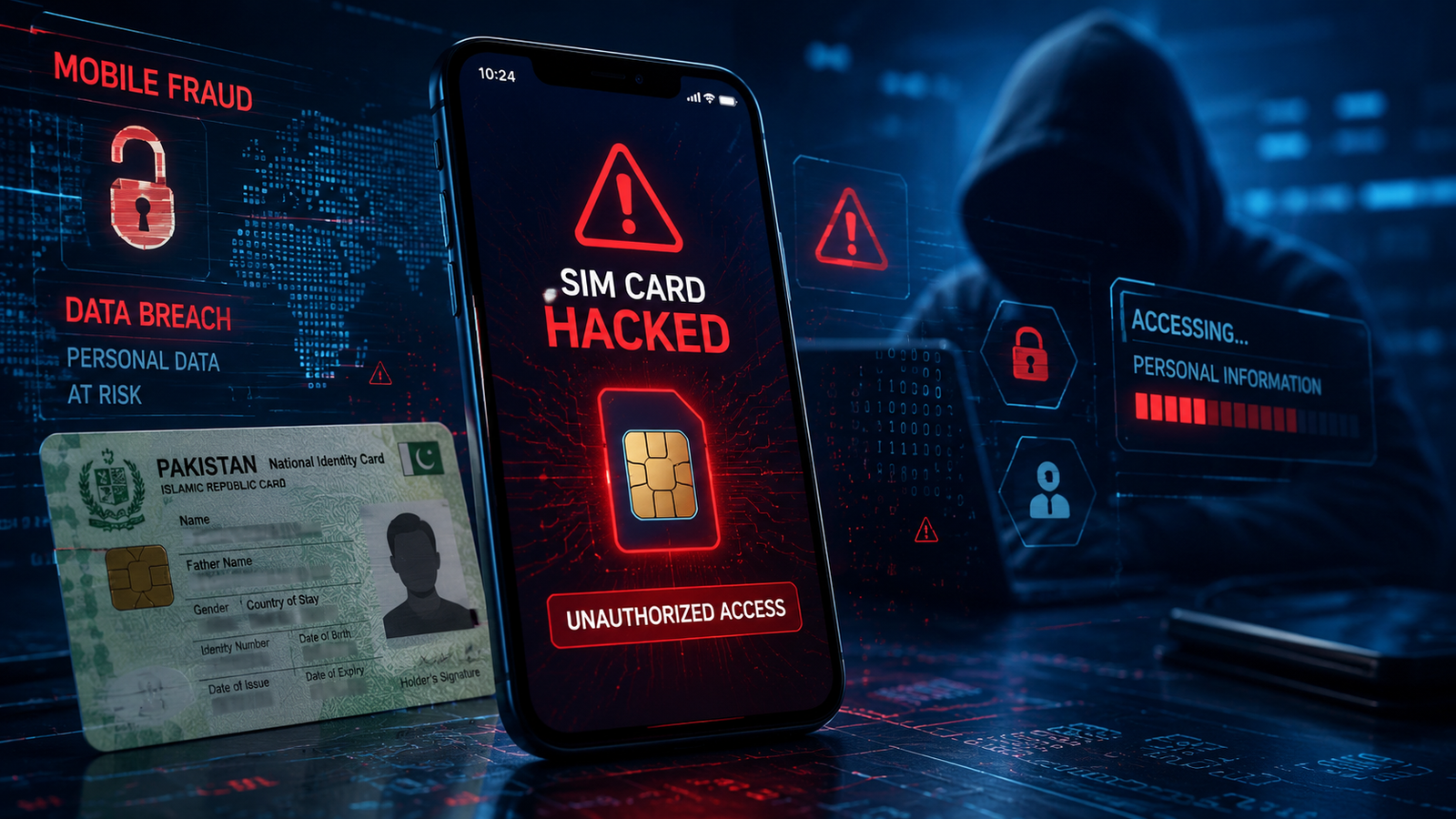
What is SIM Swap Fraud?
SIM swap fraud happens when someone illegally transfers your mobile number to another SIM card without your permission.
After gaining access to your number, scammers can:
- Receive OTP verification codes
- Reset passwords
- Access banking apps
- Take over WhatsApp accounts
- Steal personal information
This type of fraud usually targets people using:
- Mobile banking apps
- Easypaisa
- JazzCash
- Social media accounts
- Email accounts
How SIM Swap Fraud Works in Pakistan
Scammers typically follow these steps:
1. Collect Personal Information
Fraudsters gather your:
- CNIC number
- Mobile number
- Full name
- Date of birth
They may get this information through:
- Fake calls
- Phishing messages
- Data leaks
- Social engineering
2. Fake SIM Replacement Request
The scammer contacts the telecom company pretending to be you and requests a SIM replacement.
Sometimes fake documents or insider help may be used.
3. Your SIM Stops Working
Once the swap is completed:
- Your phone loses signals
- Calls stop working
- SMS messages fail
This is the biggest warning sign.
4. Accounts Get Hacked
The criminal receives OTP codes and resets passwords for:
- Banking apps
- Gmail
- Other services
Common Signs of SIM Swap Fraud
You may be under attack if:
- Your SIM suddenly loses network coverage
- You stop receiving SMS messages
- Banking OTPs stop arriving
- Unknown password reset alerts appear
- WhatsApp logs out automatically
- Strange banking activity occurs
Never ignore these signs.
How to Stay Safe from SIM Swap Fraud
Use Strong Account Security
Enable:
- Two-factor authentication (2FA)
- App-based authentication where possible
- Strong passwords
Avoid using SMS OTP only.
Never Share Personal Information
Do not share:
- CNIC photos
- OTP codes
- SIM verification codes
- Banking details
Telecom companies never ask for OTPs on calls.
Secure Your WhatsApp
Enable:
- WhatsApp two-step verification
- Email recovery option
This prevents hackers from easily taking over your account.
Monitor Your SIM Activity
If your network suddenly disappears:
- Contact your mobile network immediately
- Visit the nearest franchise
- Block suspicious activity
Fast action can save your accounts.
Protect Banking Apps
For apps like:
- Easypaisa
- JazzCash
- Banking apps
Use:
- PIN locks
- Fingerprint security
- Transaction alerts
What to Do if You Become a Victim
Step 1: Contact Your Network Provider
Immediately call:
- Jazz
- Zong
- Telenor
- Ufone
Request:
- SIM suspension
- Fraud investigation
Step 2: Block Banking Access
Contact your bank and:
- Freeze accounts temporarily
- Block transactions
- Change passwords
Step 3: Recover Online Accounts
Reset passwords for:
- Gmail
- Banking apps
Use a secure email account.
Step 4: Report the Fraud
You can report cybercrime to:
- PTA
- FIA Cyber Crime Wing
Provide:
- Mobile number
- CNIC details
- Screenshots
-
Fraud timeline
How PTA Helps Against SIM Fraud
PTA provides systems to:
- Verify SIM ownership
- Check active SIMs on CNIC
- Report suspicious activity
Users should regularly verify how many SIMs are registered on their CNIC.
Tips to Prevent Future Fraud
- Keep CNIC private
- Avoid suspicious links
- Never trust unknown callers
- Enable account alerts
- Regularly check registered SIMs
- Update passwords frequently